

Claude 101 Workshop
Claude 101for the whole company
Two four-hour live sessions for a mixed room — sales, marketing, ops, support, engineering, data and product. Everyone learns the same foundation, then practises on their own work in role tracks.
The Offer
Claude 101
Workshop
The Claude 101 Workshop is two four-hour live sessions for a mixed room: sales, marketing, ops, support, engineering, data and product. Everyone sits through the same first session — what the AI model is, what it is not, how to brief it, how to check it, and what should never be pasted into it. The ways this tool fails are not specific to one role, and neither are the habits that catch them. The second session splits into role tracks and runs on work your people bring with them, so they practise on their own work rather than watch a demo. It isn't a licence pitch, a feature tour or a prompt pack — you'd buy Claude licences direct from Anthropic, and the written readout is honest about where this tool fits your workflows and where it doesn't.

What is Claude 101?
Claude 101 is a two-session workshop that teaches a whole company to work with an AI model the way they would brief a contractor: role, task, context, constraints, output format, and one example of good. Session one is the shared foundation — what the model is, what it gets wrong, how to check its work, and what must never be pasted into it.
Session two splits into commercial and technical tracks and runs on work your people bring with them — a document, a thread, a ticket, a spreadsheet, a diff — so they practise on their own tasks rather than watch a demo.
One foundation, everyone
The model fails the same way for sales and for engineering, and so do the habits that catch it. Session one is one room, one curriculum.
Your work, not demos
The second half of each session runs on tasks people bring from their own week.
Checked, not trusted
Every output gets a check proportional to what being wrong would cost.
A "never paste this" list
Data handling in concrete terms, written in your categories, ready for your own policy to absorb.
Two Sessions. One Room.
Then role tracks on your own work
The shared foundation
One room, one curriculum, no tracks. Everything here applies whether you write contracts, ad copy or Python: the AI model fails the same way for all of you, and the habits that catch them are the same habits. Four hours, two breaks, and the second half runs on tasks people bring from their own week.
Role tracks, on your own work
Two tracks in one room. Commercial (sales, marketing, ops, support) and technical (engineering, data, product) run in parallel against work your people bring in, with paired exercises so nobody waits on me, shared checkpoints on the clock so the tracks stay in step, and the whole room rejoined for the final block. The split is on the timetable rather than improvised on the day. If your room turns out lopsided — nine engineers and one marketer — we run it as one room against the material that fits the majority, and the odd one out gets their track's sheet and my attention in the pairs.

Session one — the shared foundation
- 0:00What an AI model is, and what it gets wrong
- 0:30How to brief it, the way you would brief a contractor
- 1:15Break
- 1:30What to give it to work with, and when to start a fresh conversation
- 2:20How to check its work, and what not to trust it with
- 3:05Break
- 3:20What must never be pasted into it
Session two — role tracks, on your own work
- 0:00Recap, and how the two tracks run
- 0:30Track round one: everyday tasks
- 1:25Break
- 1:40Track round two: the harder tasks
- 2:35Checkpoint — show it to someone who does not do your job
- 2:55Break
- 3:10Each track shows the room what it built
- 3:35What you take back to your desk
Who is this for?
A mixed room. The first session is for everyone; the second meets each function on its own work.
Commercial teams
Sales, marketing, ops, support — the session splits here in session two. Work on your own tasks while running against the material that fits your week.
What you get:
- First drafts that don't read as machine-written
- Account research with sources you can check
- Calls and threads turned into CRM notes
- Long documents cut to what colleagues will read
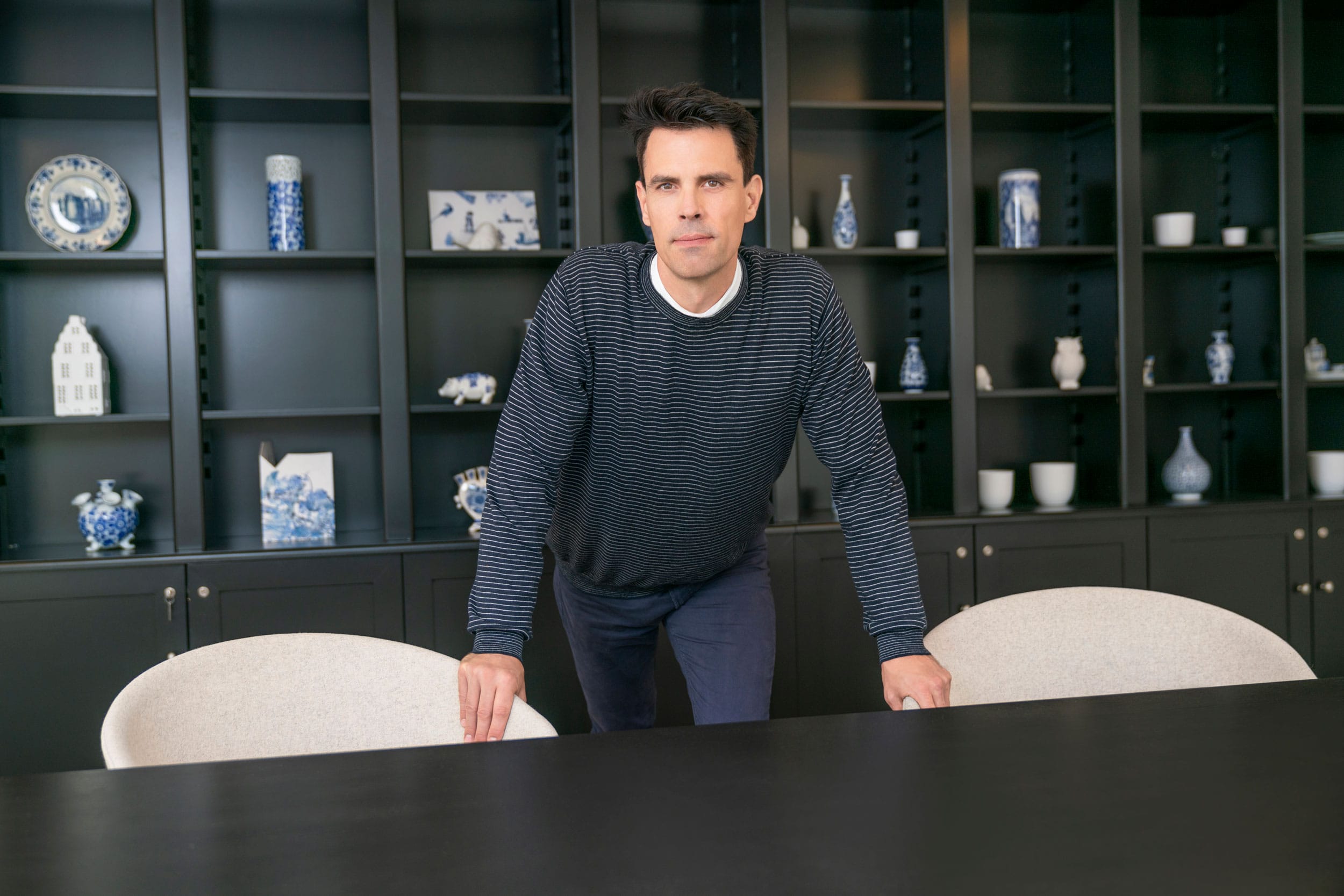
Ryan
AI-native UX leader · teaching since 1997
Thirty years across product design and research, most of it hands-on — and nearly as long teaching it.
Teaching is not a sideline: nearly thirty years of it, on and off since 1997 — UC Berkeley Extension, ArtCenter, Academy of Art University since 2020, SFSU and Foothill College, all of it adult education.
I have worked on AI products since 2017. At Oracle I was Senior Director of Design over the developer-services group — seven products and a team of twenty-plus — including Oracle Digital Assistant, their conversational AI product, which took 70% of support calls off the queue.
Head of Design at CloudNatix from 2020 to 2024, an AIOps product: up to 60% cloud-cost reduction for customers and a fivefold DevOps productivity gain.
I still write the code. This page, the prompt library you would be getting, and the sites at ryanh.com are mine — React, TypeScript and Supabase, with AI in the loop daily.
Trusted By Teams At
A career spent partnering with teams at every scale — from DocuSign to Louis Vuitton to Oracle — shipping products used by billions.
One fee for the room.
A written proposal before anything is booked.
How it works
A short call, then a proposal: the fee for your room, what it includes, what it doesn't, and the add-ons by name — office hours, a role-specific deep dive, a session for whoever runs the business, a prompt library built against your own documents. Nothing is booked until you've read it.
Get your proposal
Book a 30-minute call. If we're a fit, your proposal and the pre-workshop questionnaire follow within a few days.
What you take away
Runs on Zoom. An in-person version is a separate engagement.
What Clients Say
"Ryan took our un-styled v2 product and in just a few days he developed a beautiful new design for it. Over the course of 8 weeks we went back and forth iterating on the design until all stakeholders were satisfied. The product of his work reflects his expert domain knowledge, eye for detail, and mastery of UX design. It was always a pleasure working with him and I hope to have the opportunity again!"